Choose a target
Select the Moon, Sun, a planet or a deep-sky object.
Choose a target and equipment combination. See whether the object fits, how large it appears and what changing the focal length really does.
Try the simulator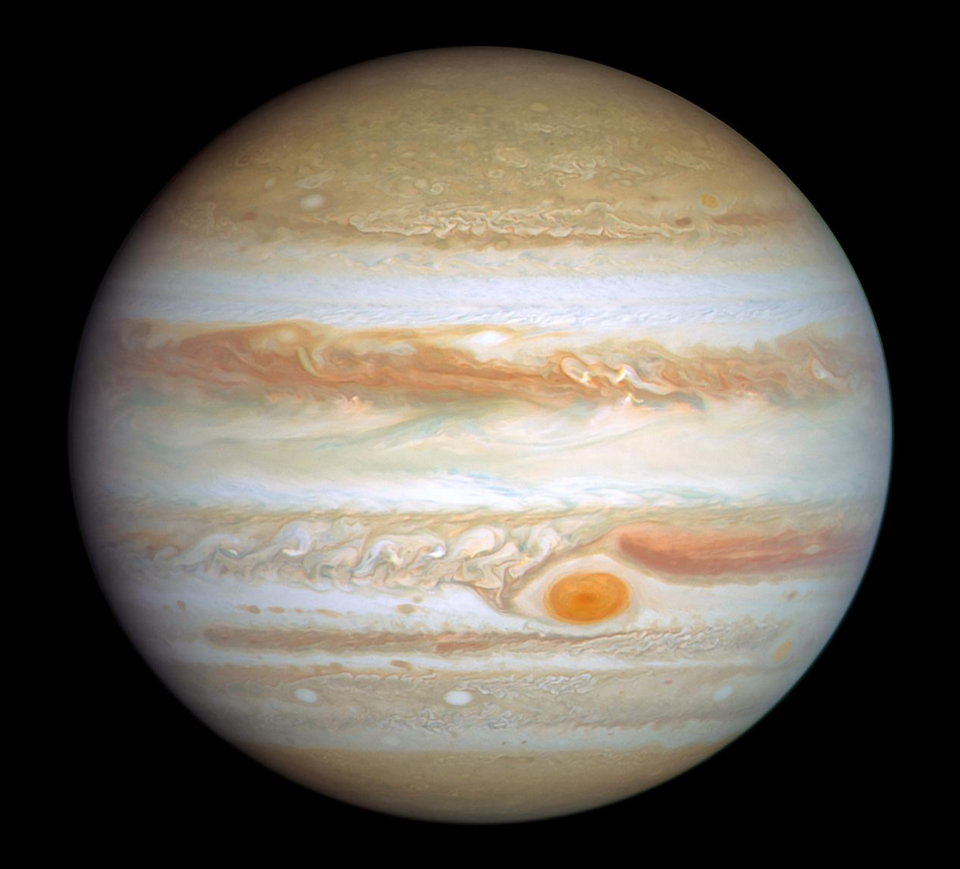
The red outline represents what the selected camera or eyepiece can see.
Select the Moon, Sun, a planet or a deep-sky object.
Use Imaging for a camera, or Eyepiece for the Celestron 8SE.
The field size and object scale are calculated automatically.
Drag to move the red frame. Use the arrows to move the object, and Display zoom to inspect narrow views.
Select one of the Show Me The Sky telescope and camera combinations.
Produces a narrower field and makes a target occupy more of the frame.
Captures a wider area of sky at the same telescope focal length.
Determines how much of the available field the object actually occupies.
FOV = 2 × atan(sensor size ÷ (2 × effective focal length))The preview compares the calculated field with the target's apparent angular size on your selected date. The images show framing and scale; they do not simulate atmospheric seeing, exposure, detail or brightness.
Join a live, guided Show Me The Sky session from home.
Comments